Anything highlighted in pink is an essential and needs to be created as soon as something is confirmed
Logo should be made 1st thing as soon as possible and finished after confirmation.
- Only brand colors may be used.
- All “A” characters should reflect the IMAPAC mountain icon shape (provided it does not visually overload the final logo).
- The approved logo must be saved in high-resolution, in both full-color and solid white versions.
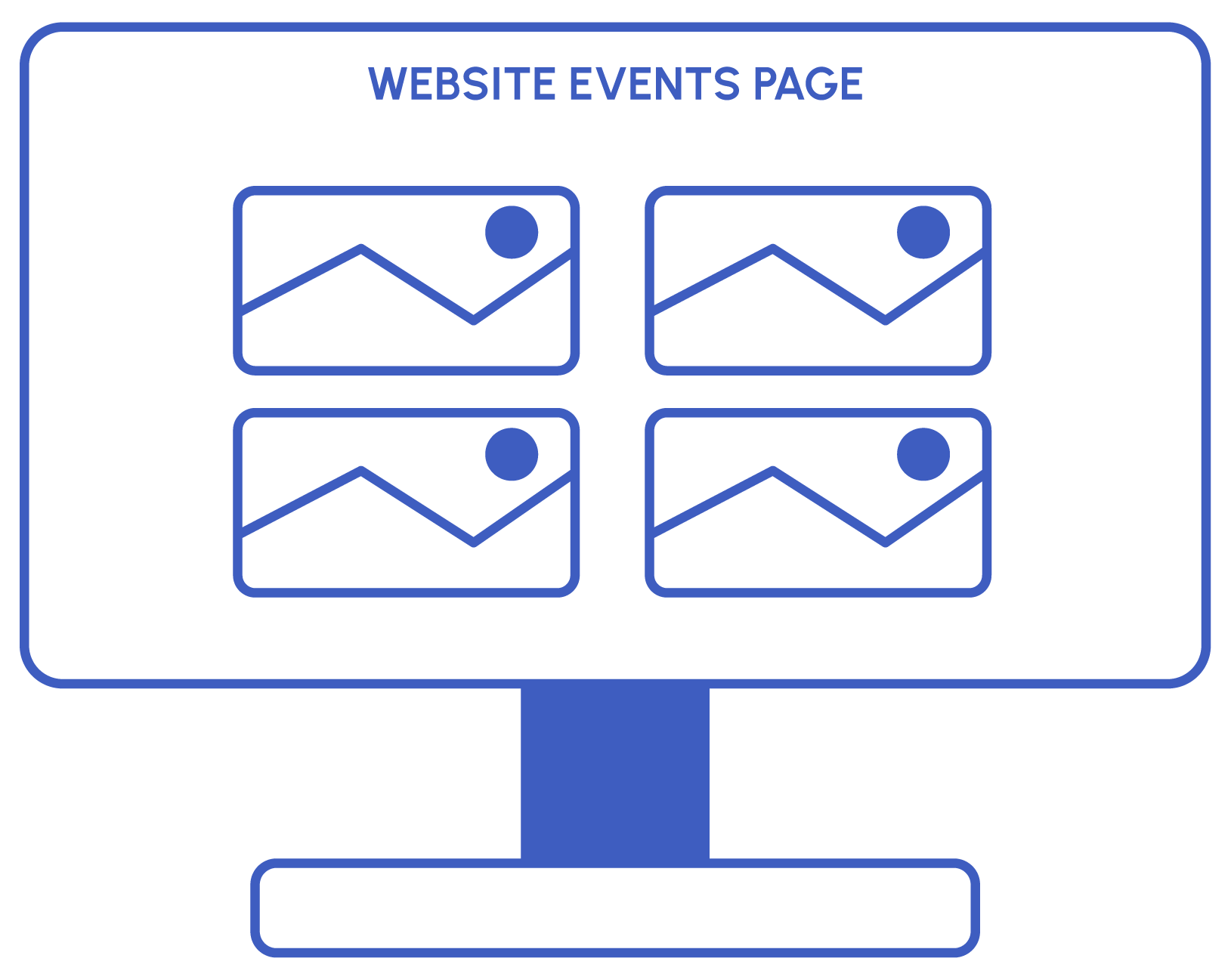
Create the website thumbnail immediately after the logo is confirmed.
- Prepare a suitable background for the event, aligned with the theme and logo colors.
- Each thumbnail must include a band displaying the correct launch information (e.g., “3rd Launch,” “12th Launch”).
- Website Thumbnail should be saved in WebP format.
- Additionally, prepare a square thumbnail for WeChat.
- Save the background separately in high resolution (1920 × 1080 px).


Create Call for Speakers Social and Email banner.
- Use the event background and logo.
- Include a prominent heading with “Call for Speakers” (or an approved variation).
- Include the event date and location.
- Social media banners must feature the #ImagineYourImpact hashtag at the bottom.
- Use only brand-approved fonts.
- Any additional information included in these banners must be confirmed with the manager.
Create Call for Sponsors Social and Email banner.
- Use the event background and logo.
- Include a prominent heading with “Call for Sponsors” (or an approved variation).
- Include the event date and location.
- Social media banners must feature the #ImagineYourImpact hashtag at the bottom.
- Use only brand-approved fonts.
- Any additional information included in these banners must be confirmed with the manager.
Create SAVE THE DATE Social and Email banner.
- Use the event background and logo.
- Include a prominent heading with “SAVE THE DATE”.
- Social media banners must feature the #ImagineYourImpact hashtag at the bottom.
- Use only brand-approved fonts.
- Include the event date and location.
- Any additional information included in these banners must be confirmed with the manager.

Create templates to use further
- Use the official event background and logo.
- Include the #ImagineYourImpact hashtag at the bottom.
- All banners must include the event date and location.
- Sponsors
- Must feature the sponsor’s company logo as the primary element.
- Indicate the level of sponsorship (e.g., Gold, Silver).
- Media Partner
- Must feature the partner’s company logo as the primary element.
- Include the heading “Media Partner”
- Individual Speakers
- Must feature the speaker’s headshot and name as the main visual.
- Include the position, and company also.

- Ensure all logos are aligned consistently across the layout.
- Logos must remain clear, legible, and not distorted.
- Use the event background and logo.
- Include the event date and location.
- Include sponsorship level blocks on banners where the corresponding logos can be placed.
- Maintain sufficient contrast between logos and the background for readability.
If time permits and you have creative ideas, social media banners can be provided as GIFs or short videos with animation, but confirm with your manager first.
Create Registration Open Social and Email banner.
- Use the event background and logo.
- Include a prominent heading with “Registration Open”.
- Social media banners must feature the #ImagineYourImpact hashtag at the bottom.
- Use only brand-approved fonts.
- Include the event date and location.
- Any additional information included in these banners must be confirmed with the manager.
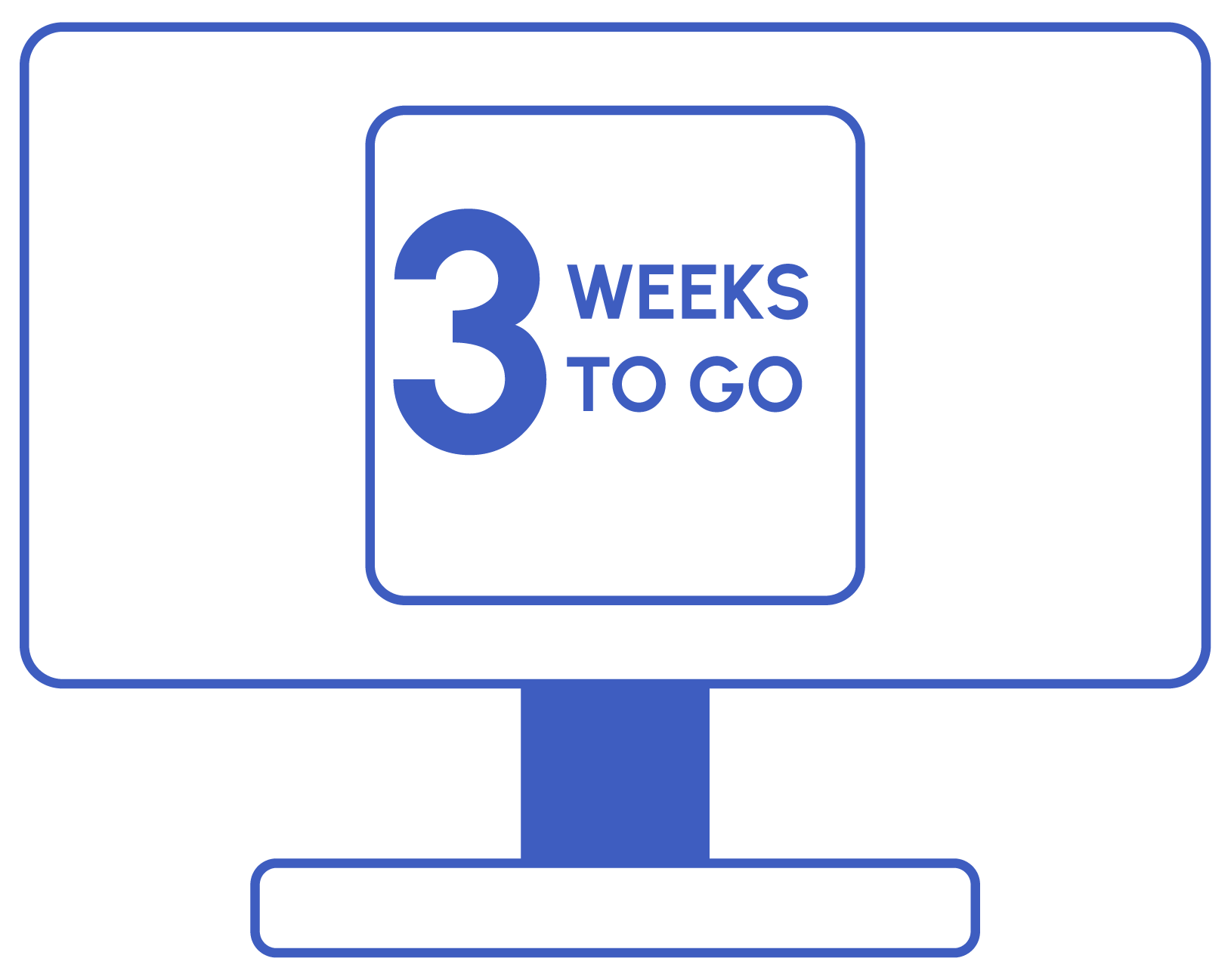
- Use the event background and logo.
- May be delivered as either static image or GIF animation.
- Include a prominent heading with “3(2,1) WEEKS TO GO” (or other optional approved heading).
- Social media banners must feature the #ImagineYourImpact hashtag at the bottom.
- Use only brand-approved fonts.
- Include the event date and location.
- Any additional information included in these banners must be confirmed with the manager.



- Use the event background and logo.
- Use only brand-approved fonts.
- Include the event date and location.
- Include a heading : "A LETTER FROM OUR CHAIRMAN".
- Must feature the speaker’s headshot and name as the main visual.
- Include the position, and company also (company can be represented as a logo).
- CTA button should be - JOIN NOW
Create Generic Social and Email banner.
- Use the event background and logo.
- Include the event date and location.
- Social media banners must feature the #ImagineYourImpact hashtag at the bottom.
- Use only brand-approved fonts.
- Any additional information included in these banners must be confirmed with the manager.
Create Generic Email and Social Media Banners for Speakers and Sponsors.
- Use the event background and logo.
- Include the event date and location.
- Social media banners must feature the #ImagineYourImpact hashtag at the bottom.
- Use only brand-approved fonts.
- The heading should be:
- For Sponsors: “We’re sponsoring! Join us at [Event LOGO].”
- For Speakers: “I’m on the programme! Join me at [Event LOGO].”
- Any additional information included in these banners must be confirmed with the manager.
- Prepare a wireframe for the brochure, agenda, and prospectus - request all necessary information in advance.
- Create the final version as a Foleon document.
- The completed document should include the following pages:
- Welcome
- Table of Contents
- AaaG & Full Agenda (can be split into 2 pages or made on 1 page)
- Speakers
- Expected Audience
- Partners
- Venue
- Tickets
- FAQ
Note: Pages highlighted in pink should be created first. All other pages can be added gradually as information becomes available.

If the event also includes a related Awards Ceremony, you must prepare a corresponding set of elements for the Awards.
Create Nominations open Social and Email banner.
- Use the awards background and logo.
- Include a prominent heading with “Nominations Open” (or an approved variation).
- Include the event date and location.
- Social media banners must feature the #ImagineYourImpact hashtag at the bottom.
- Use only brand-approved fonts.
- Any additional information included in these banners must be confirmed with the manager.
Create Voting Open Social and Email banner.
- Use the awards background and logo.
- Include a prominent heading with “Voting Open” (or an approved variation).
- Include the event date and location.
- Social media banners must feature the #ImagineYourImpact hashtag at the bottom.
- Use only brand-approved fonts.
- Any additional information included in these banners must be confirmed with the manager.
Create Voting Closing Social and Email banner.
- Use the awards background and logo.
- Include a prominent heading with “Voting Closing” (or an approved variation).
- Include the event date and location.
- Social media banners must feature the #ImagineYourImpact hashtag at the bottom.
- Use only brand-approved fonts.
- Any additional information included in these banners must be confirmed with the manager.