NAVIGATION WITHIN THE APP

- Accessing different pages via the menu bar.
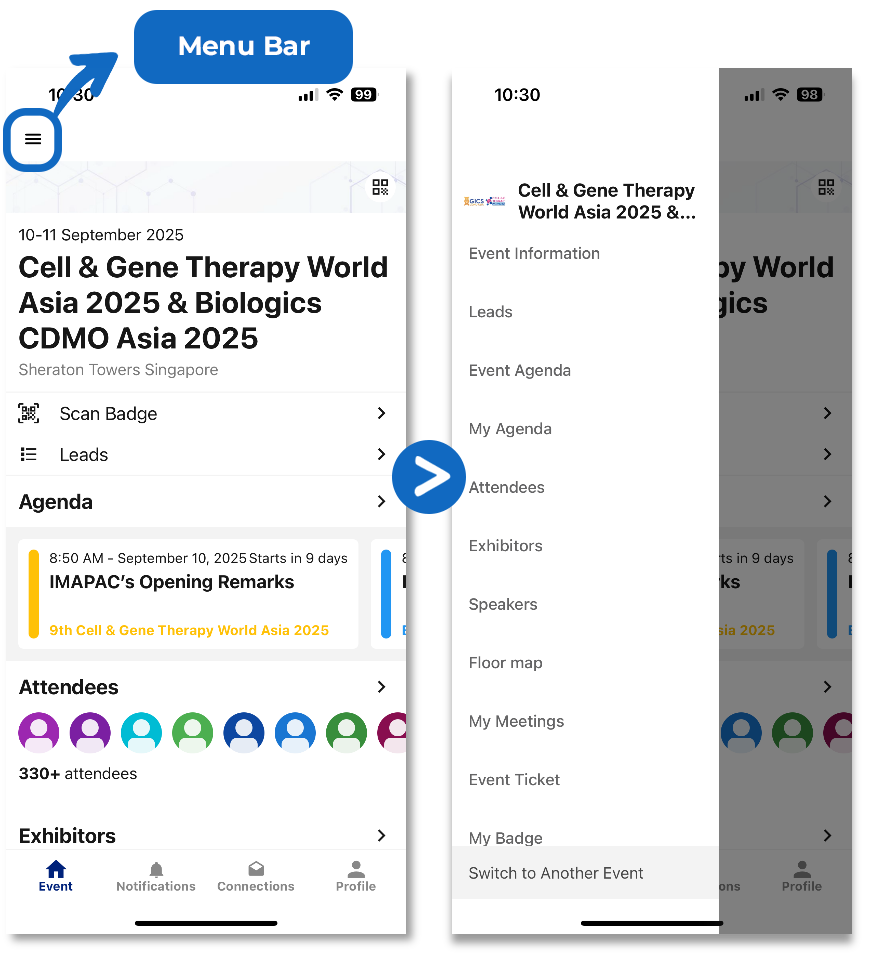
- Navigating through the Schedule Page (Agenda) and session details.
- Click onto Agenda to view the event’s conference schedule. Tap on the heart icon to save the session.
- Search for any topics of interest by searching for keywords.
- Networking meeting sessions are saved under your Agenda and can be viewed under the Heart Icon.
- View Speaker, Sponsor information and Floorplan